The Ancient City: a whole school builds in Minecraft, then prints it in 3D
In Term 1, every student who came through the SPARK Centre built one plot of an ancient city in Minecraft. Then we pulled each build out of the game, turned it into a 3D model and printed it, so the city that only existed on a screen ended up as something you can hold.
Term 1 · 2026Whole school · SPARK Centre1 plot · per student.mcstructure → STL
by Kieran Nolan · STEM educator, SPARK classroom
brief
One city, built one plot at a time
The brief for Term 1 was simple enough for a Foundation student and open enough for a Year 6: you get one plot of land in an ancient city. Build whatever belongs there.
Nobody was assigned a civilisation. Students picked the ancient culture they were curious about, so a temple could sit next to a marketplace from a completely different part of the world and a different thousand years. That turned out to be the fun of it. The finished city doesn't belong to any one empire. It belongs to the school.
Every student builds alone, but nobody builds a whole project alone. Your plot is a small square, and it only makes sense next to everyone else's.
build
Building inside a fixed footprint
Each plot has the same footprint, which sounds like a limitation and works like a gift. A fixed square forces real design decisions: what's the one thing your plot is about, where does the entrance go, how much do you fit before it turns to clutter. The younger students tend to go big and bold. The older ones start thinking about how their edge lines up with the plot next door.
Because every plot ends up as a physical print, there's also a quiet second brief running underneath: build something that will still look like itself when it's small, solid and made of plastic.
export
Getting a build out of the game
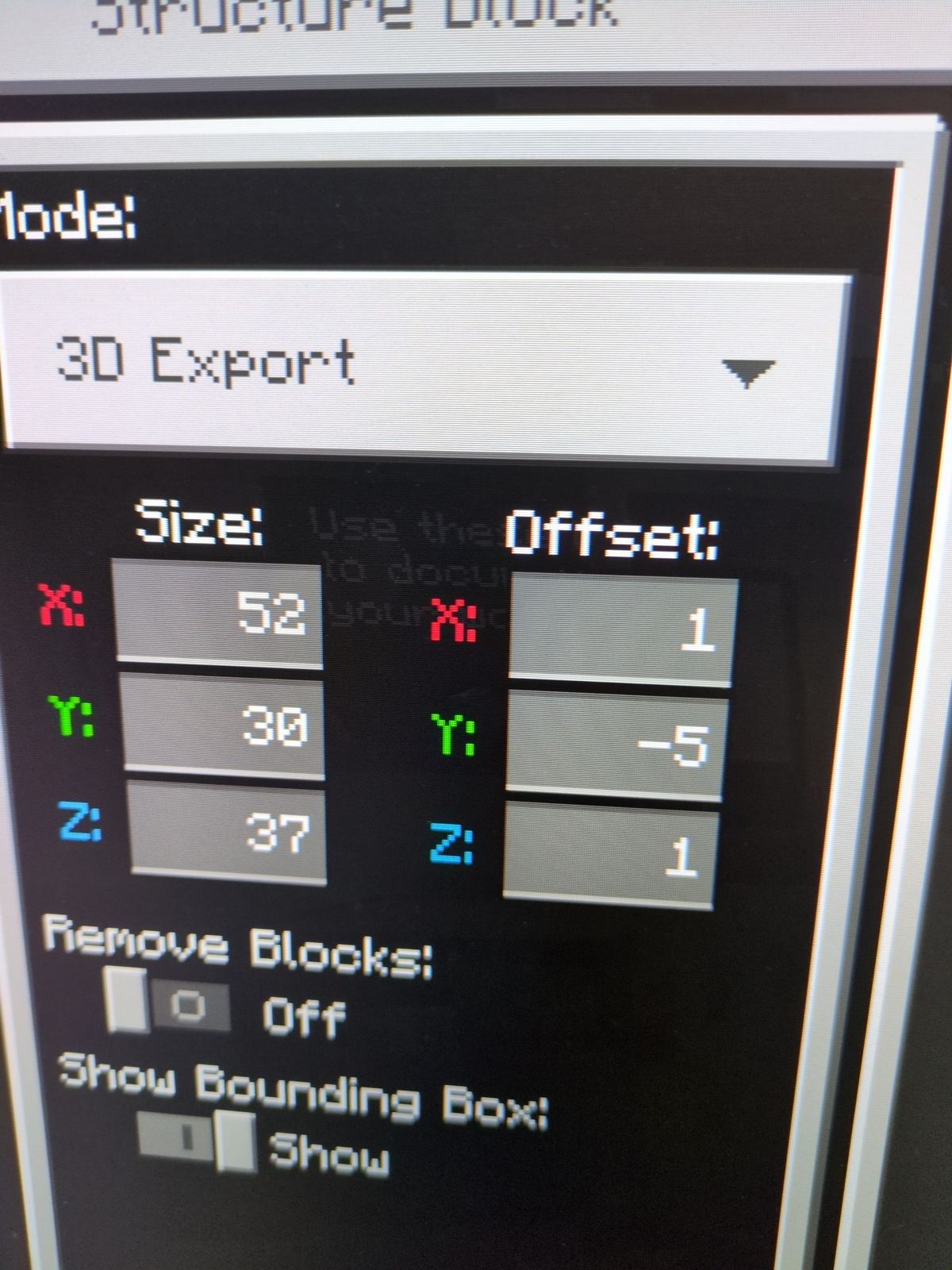
This is the part most people don't know is possible. In Minecraft Bedrock, a structure block can save a selected area of the world as a .mcstructure file: every block, in place, in one file you can carry around. Each student's plot was saved out with a structure block, then converted into an STL, the standard 3D model format that slicing software understands, and sliced into printer instructions.
Minecraft plot→.mcstructure→STL→slicer→3D print→the city
Structure files are also how builds get stored and shared in StructureVault, and the Structure Forge viewer at the bottom of this page lets you open any .mcstructure in your browser and walk around inside it.
A structure block set to 3D Export, with the plot’s size and offset
print
What a printer teaches that Minecraft doesn't
Minecraft is very forgiving. Blocks float, nothing has weight, and a one-block-thick wall is as strong as a castle. A 3D printer has no such manners. Turning a game build into a physical object puts real engineering ideas in front of students:
Scale
A block on screen becomes a few millimetres of plastic. Detail that looks great in-game can disappear completely at print size.
Overhangs & supports
A printer builds from the bottom up, one layer at a time. Anything hanging in the air needs something underneath it.
Solid vs hollow
Thin walls and single floating blocks are fine in a game and fragile on a shelf.
File formats
The same build exists as a world, a structure file, a mesh and a sliced toolpath. Each format exists for a reason.
Time
A print takes real hours. A whole school's worth of plots is a queue to plan and manage, not a button press.
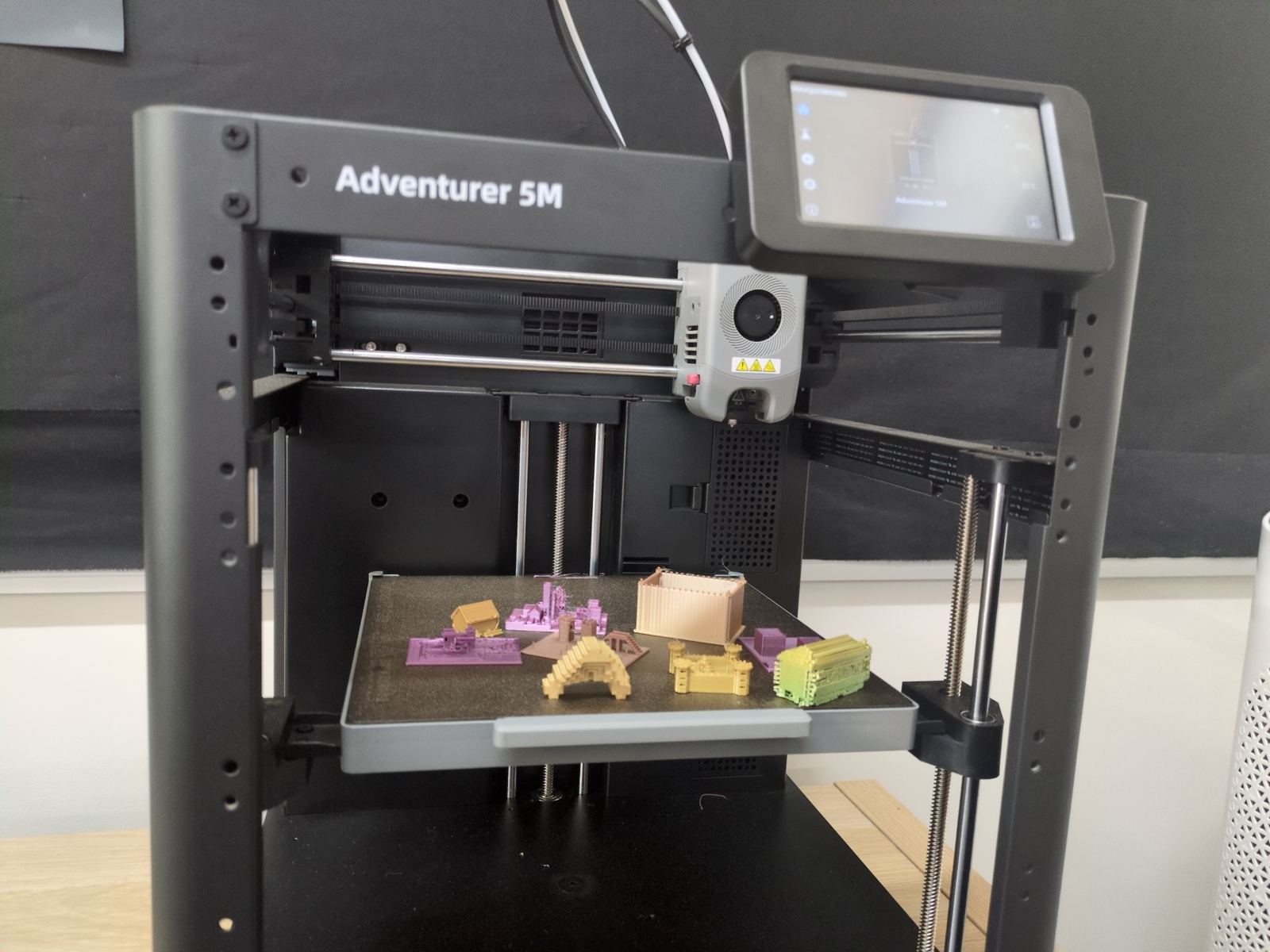
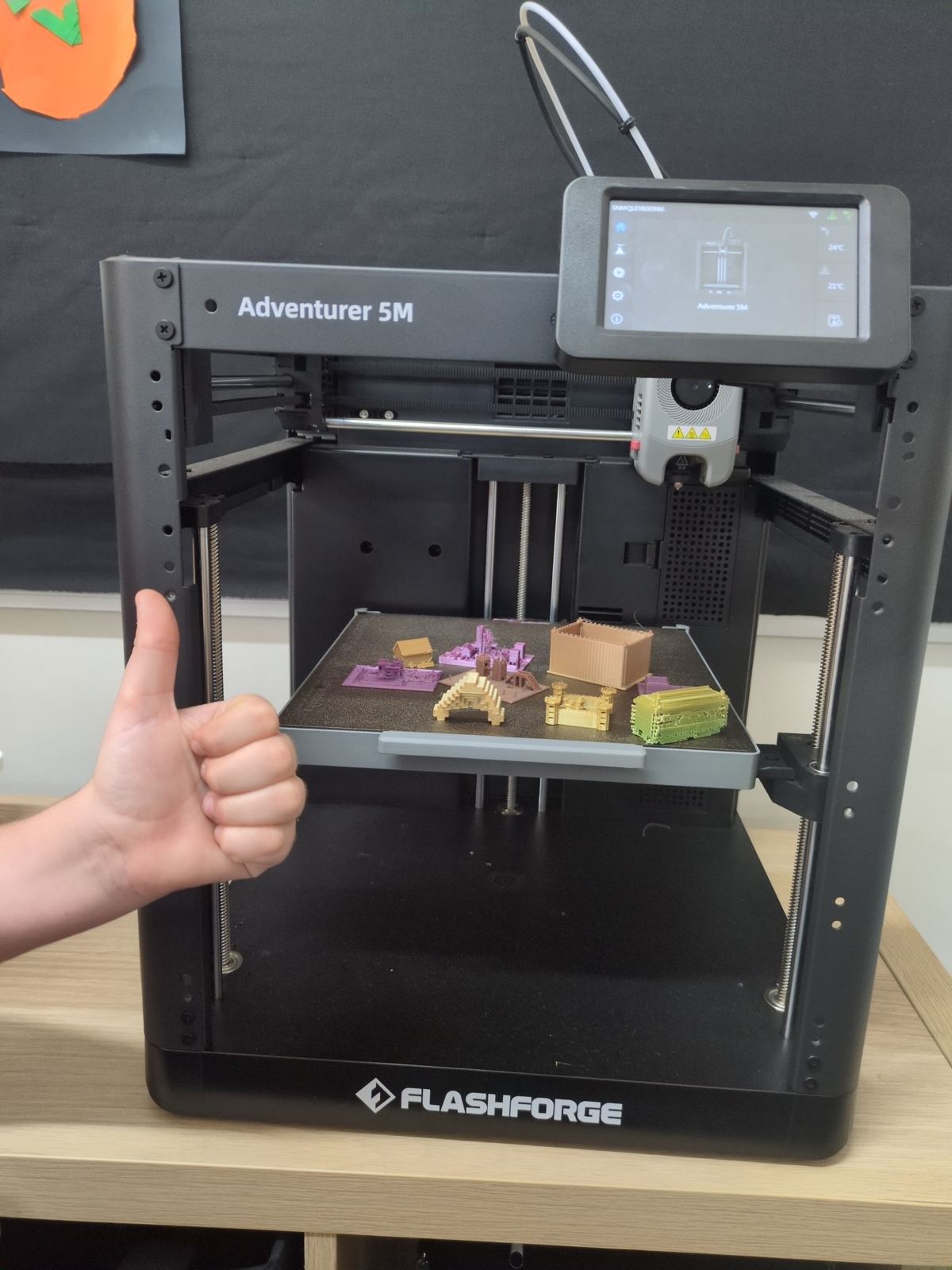
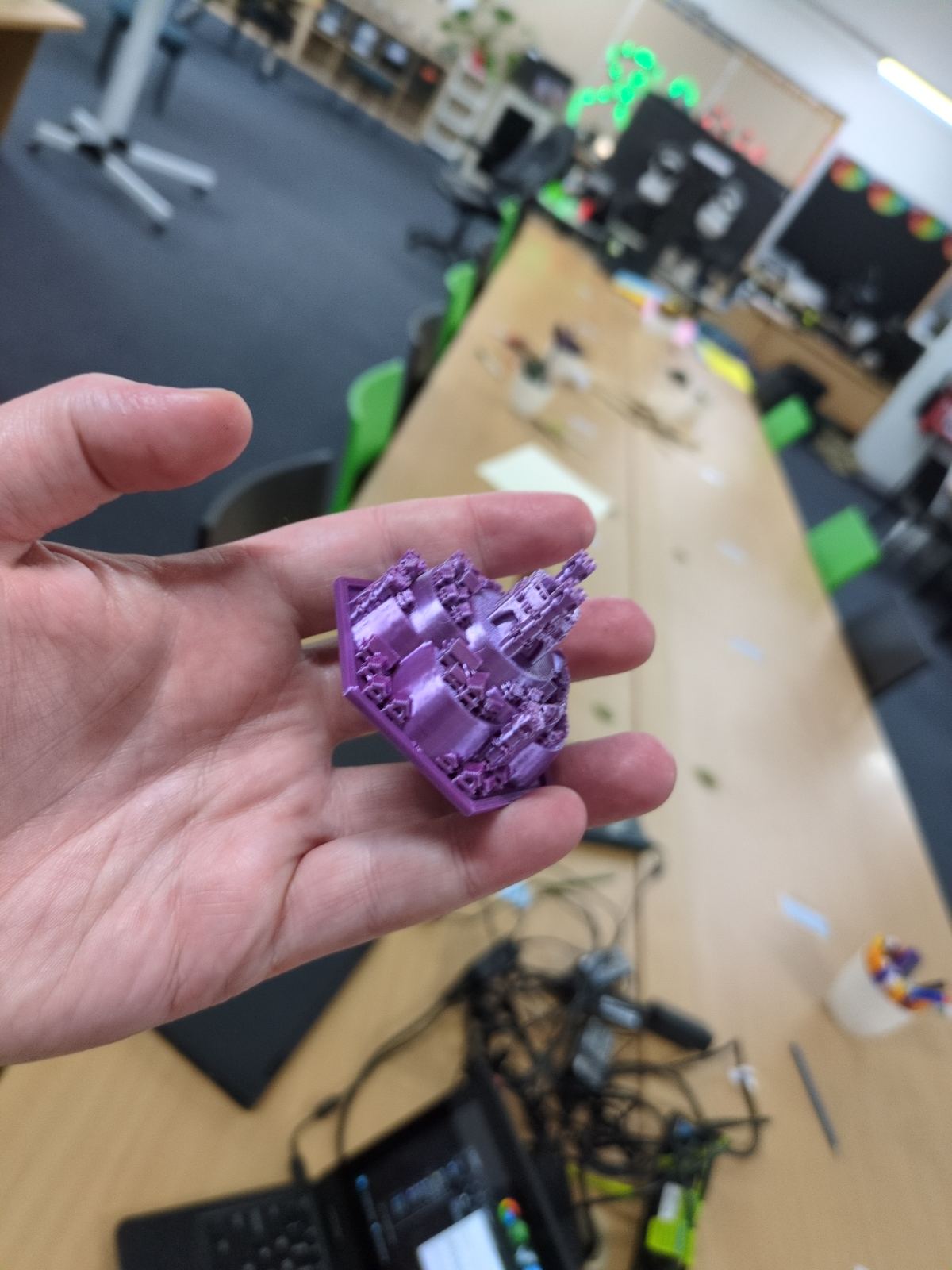
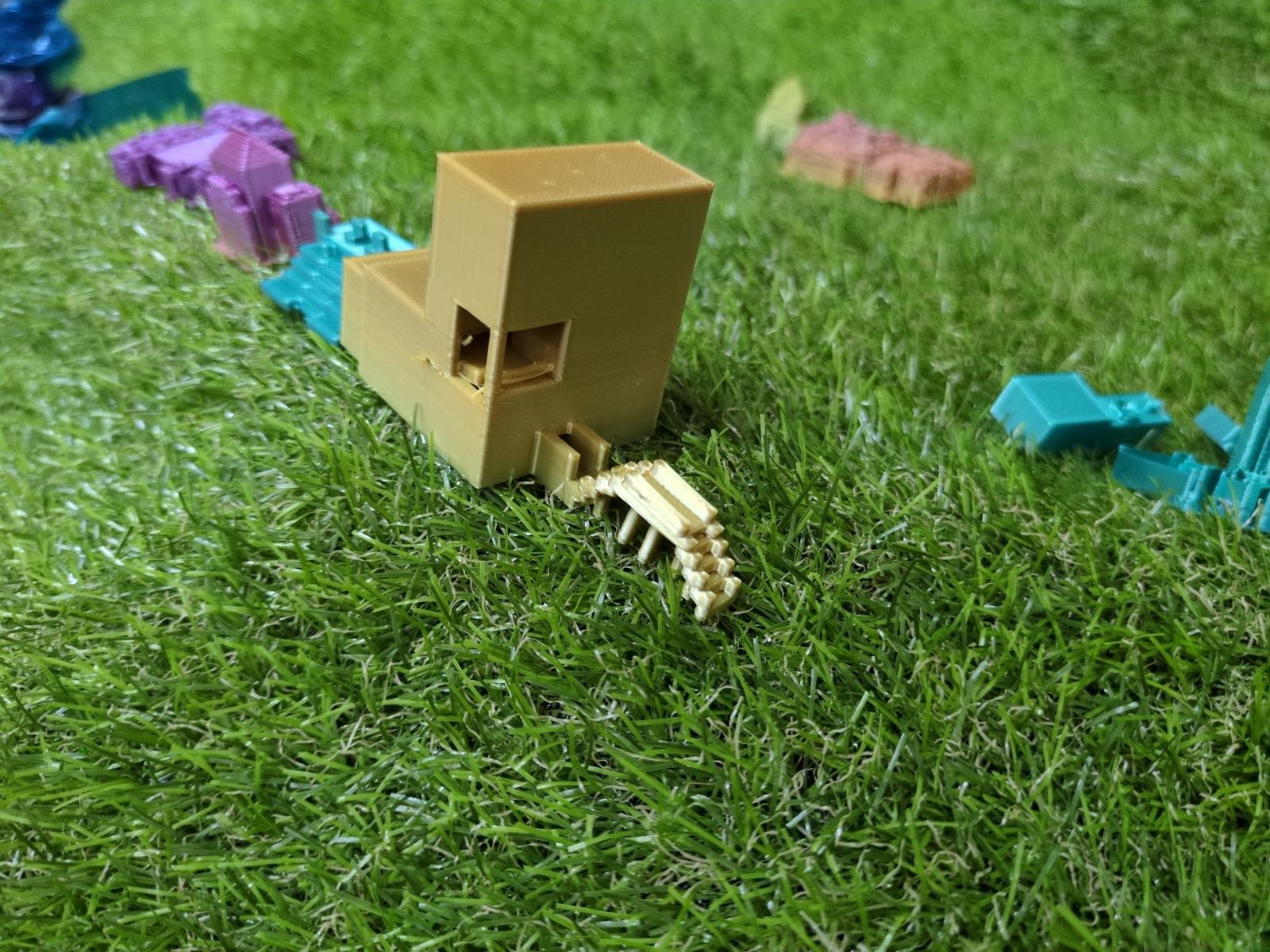
Plots on the build plate of the Flashforge Adventurer 5MFresh off the printerA finished plot, small enough to hold
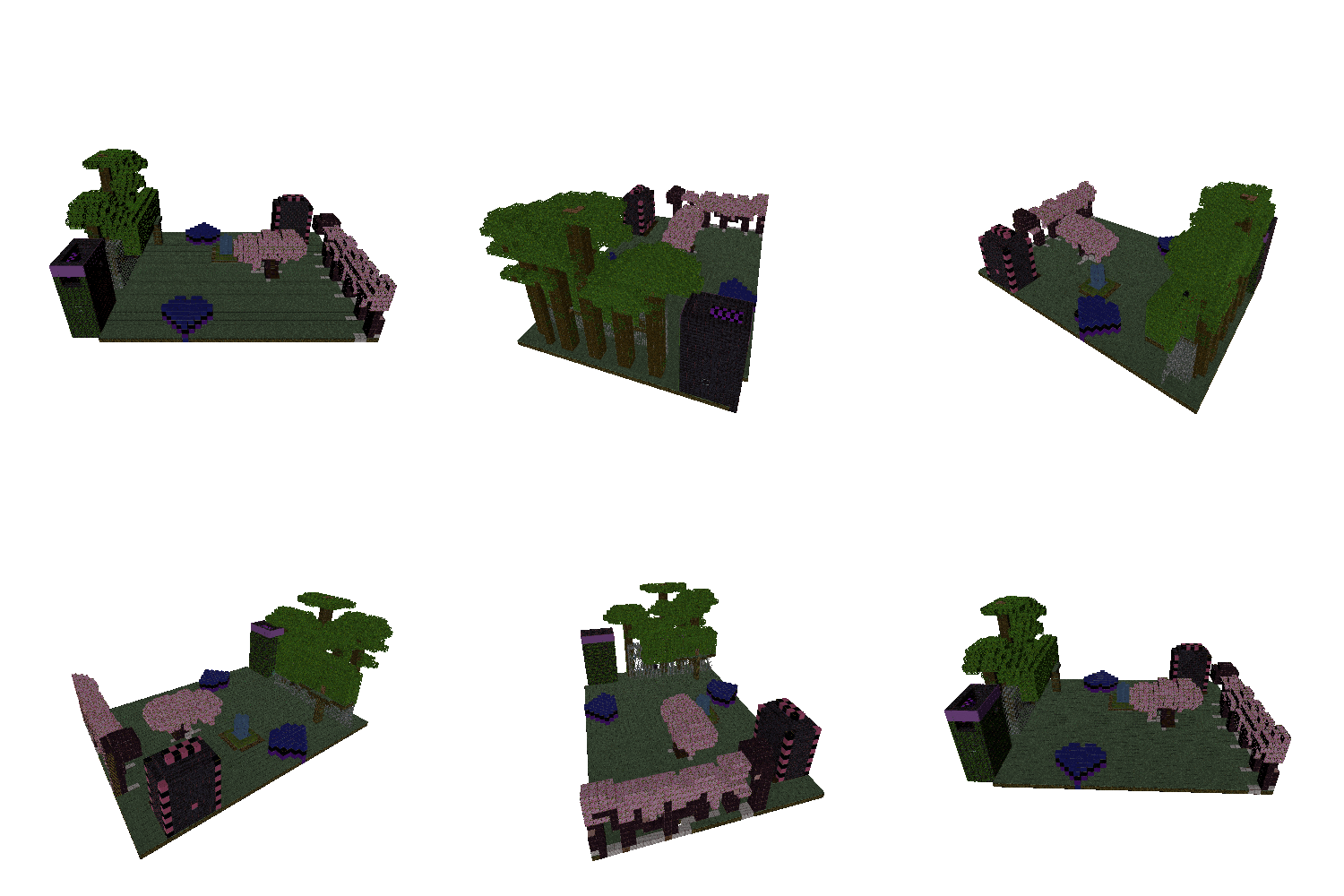
This is Izzy's plot, rendered and spinning so you can see it from every side. It's a good example of what a single square can hold: trees, a path, structures on the edges and a heart-shaped pool in the middle. Every plot in the city started like this, as one student's idea on one patch of ground. It also hangs in the SPARK 360° VR gallery.
A printed plot in place in the city
city
Putting the city together
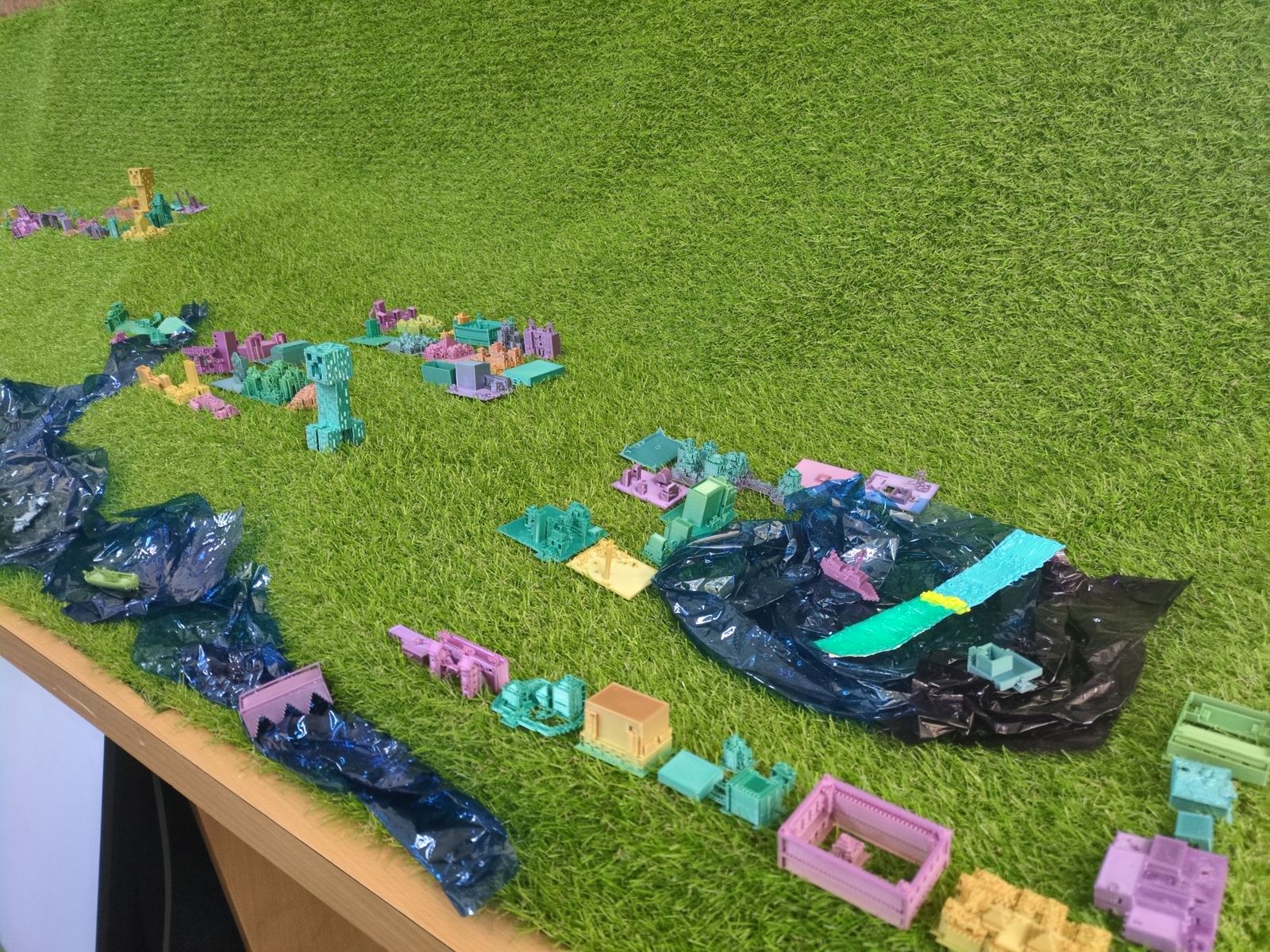
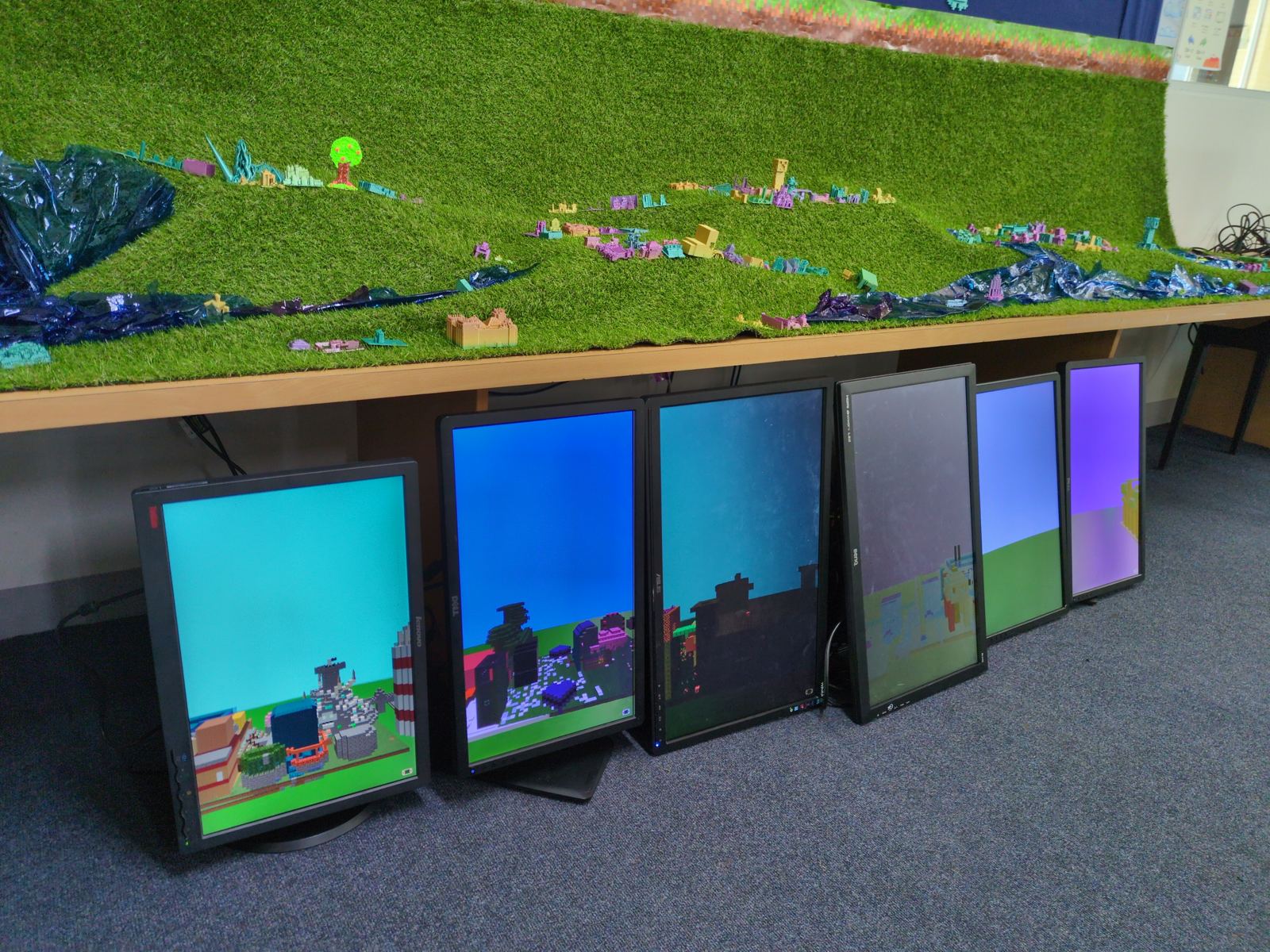
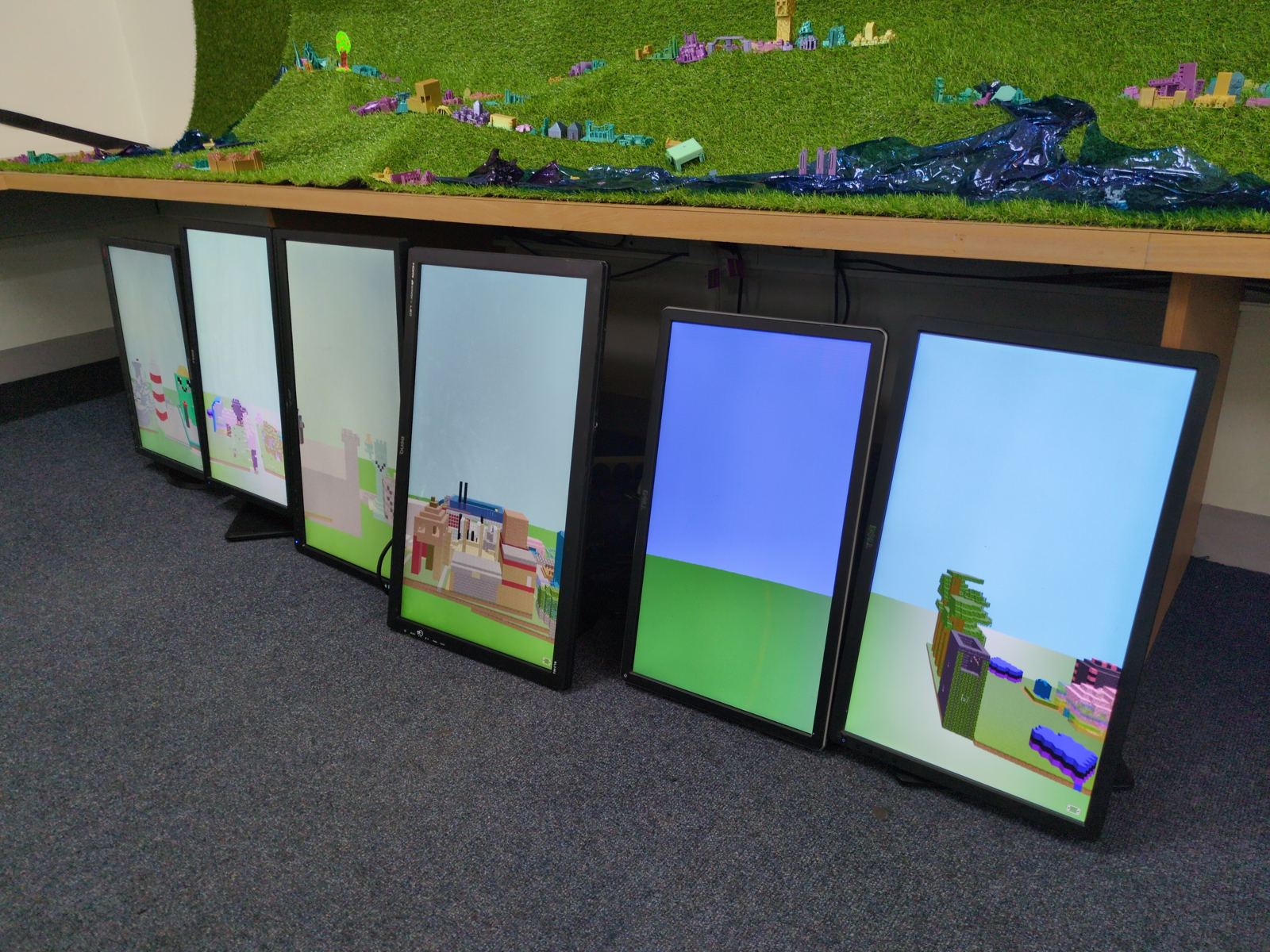
Once the plots came off the printer, they went onto a long landscape of artificial grass, rolled into hills, with rivers of blue cellophane winding between the districts. That's when the ancient city stopped being a pile of separate projects and became one thing. Underneath the table, a row of portrait monitors shows the same builds as they look in the game, so you can compare the digital plot with the plastic one sitting above it.
That's the moment the project is designed around. Students walk up to it, find their own plot, and then immediately start looking at the ones around it.
It's a whole-school piece of work in the most literal sense: every year level is in there, at its own level of detail and ambition, and none of it would look like a city without the rest.
Districts along a cellophane riverThe printed city above the in-game buildsPortrait screens under the table
why
Why do it this way
Minecraft is where a lot of students already do their most careful design work. They just don't usually get to keep it. Printing a build takes something that lives on a server and puts it on a shelf. Along the way students pick up history through the cultures they chose, design through the fixed footprint, and real manufacturing ideas through the printer: scale, supports, file formats and patience.
And there's a small, important lesson about collaboration hiding in the format. Nobody was asked to build a city. Everybody was asked to build a plot. The city happened because everyone showed up.
If you run a makerspace or a classroom and want to try something similar, the encrypted contact form below comes straight to me.
Open a structure yourself
This is Structure Forge, the browser viewer for Minecraft Bedrock structure files. Drop in any .mcstructure and explore it in first-person 3D, the same file format every plot in the Ancient City started as.